Designer-made website templates, ready to launch with AI.
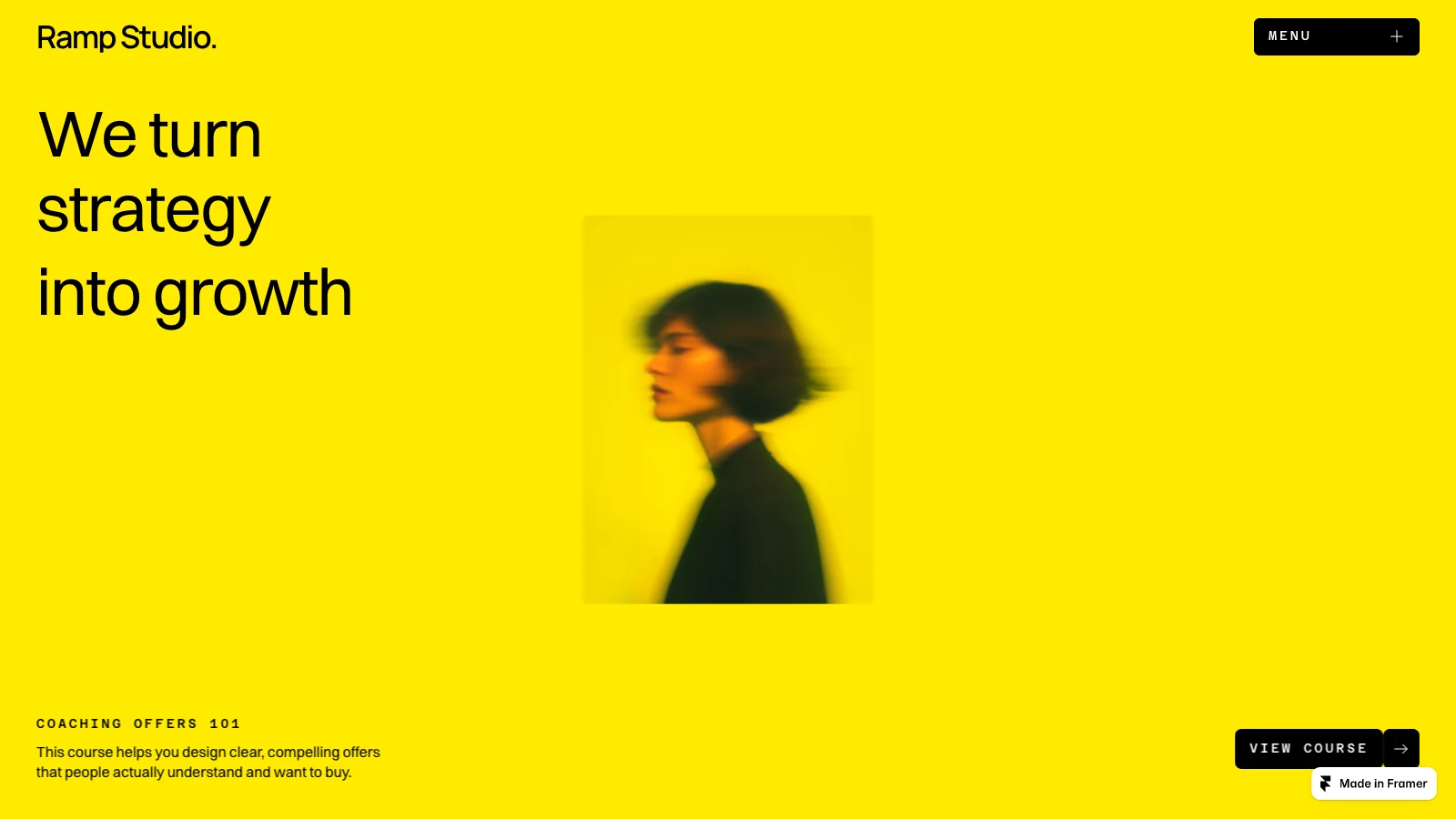
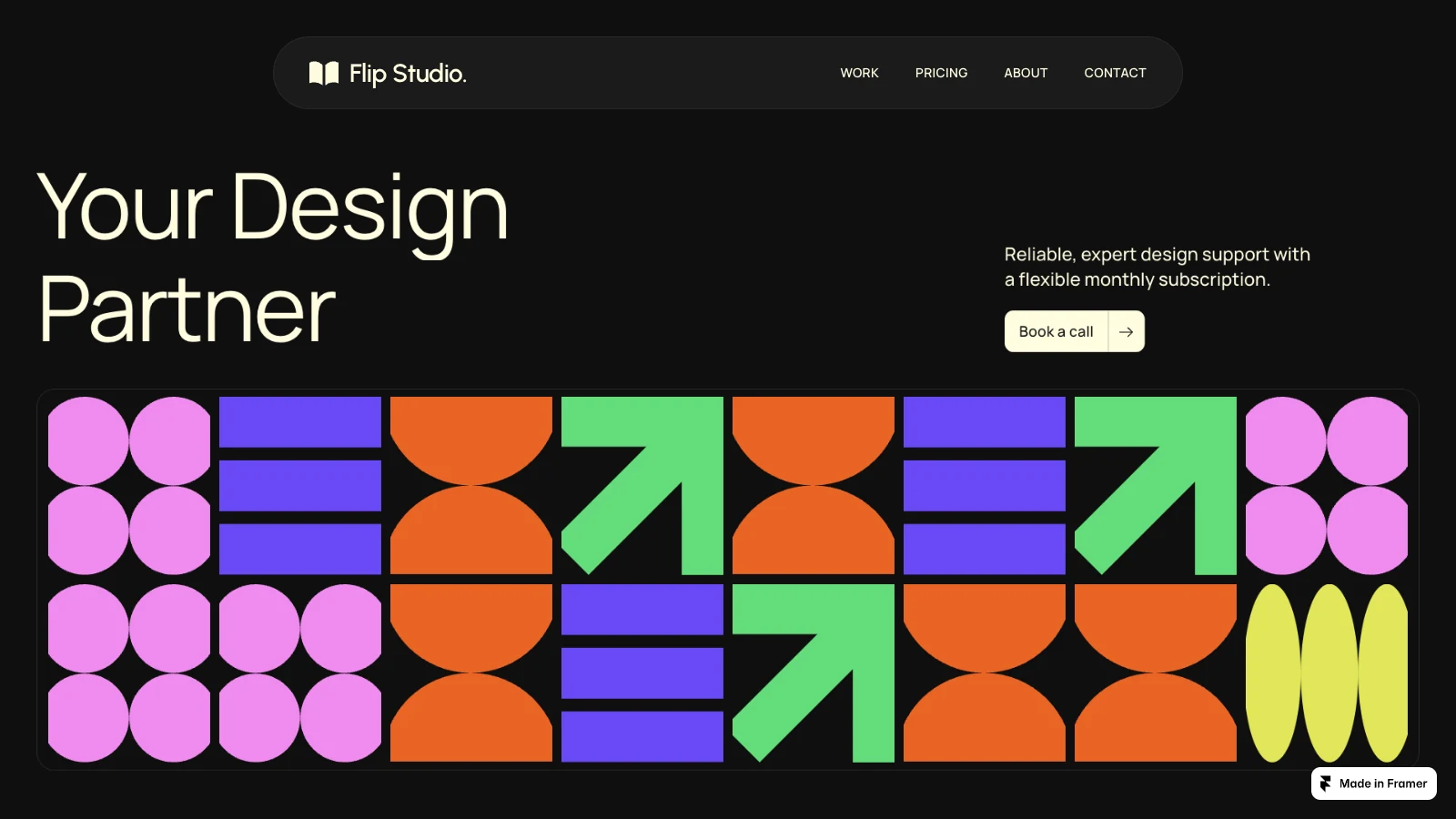
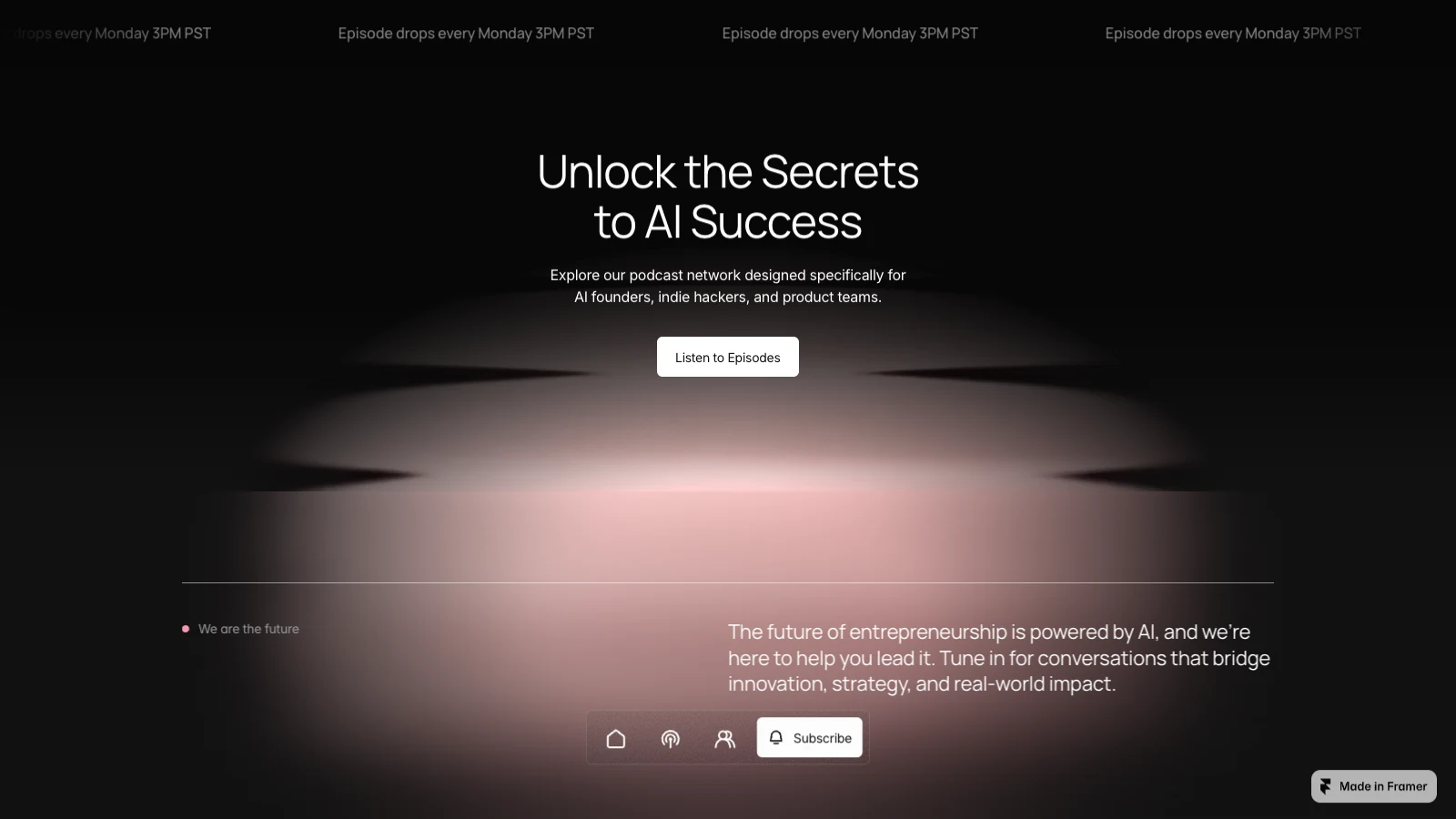
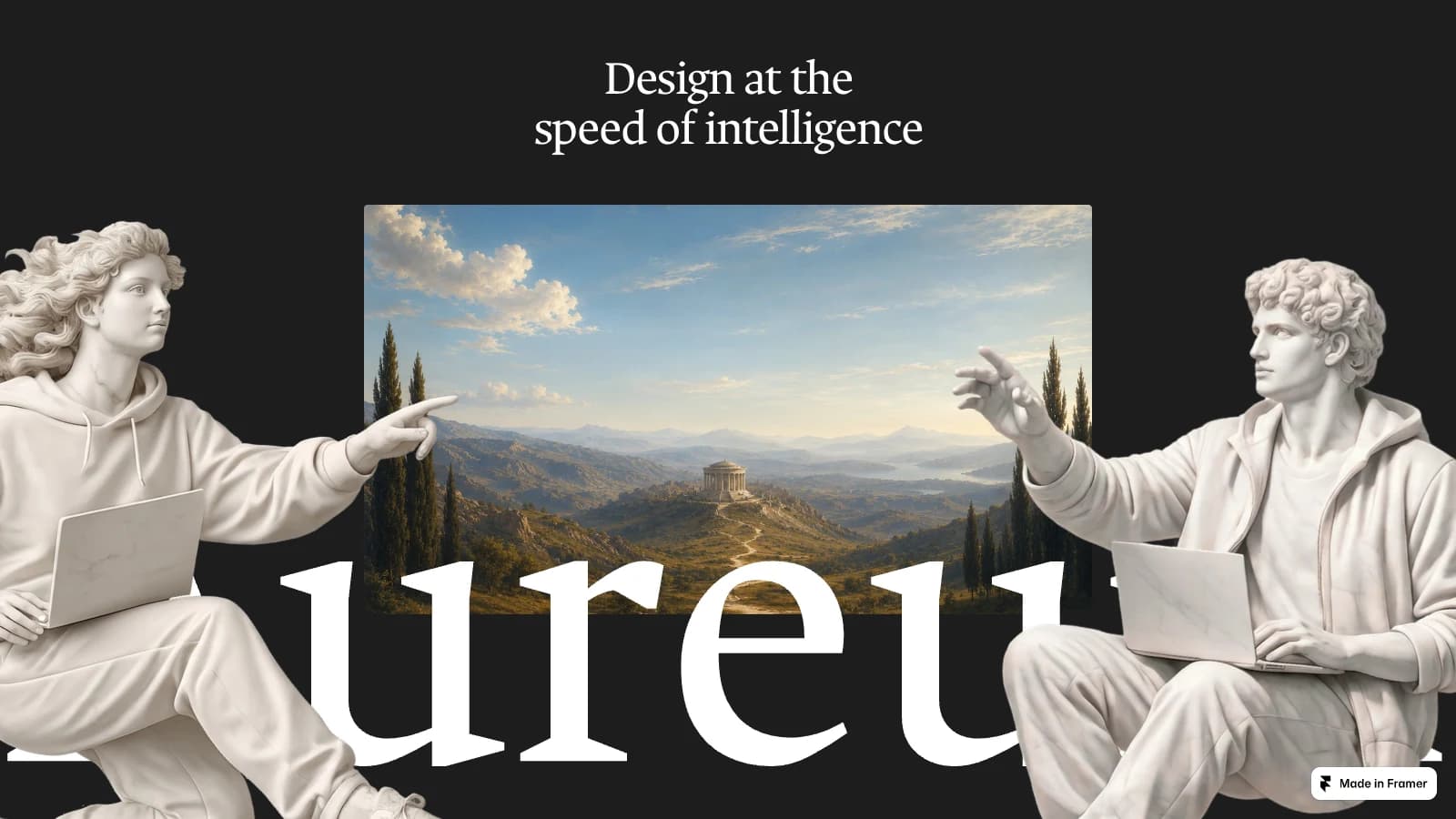
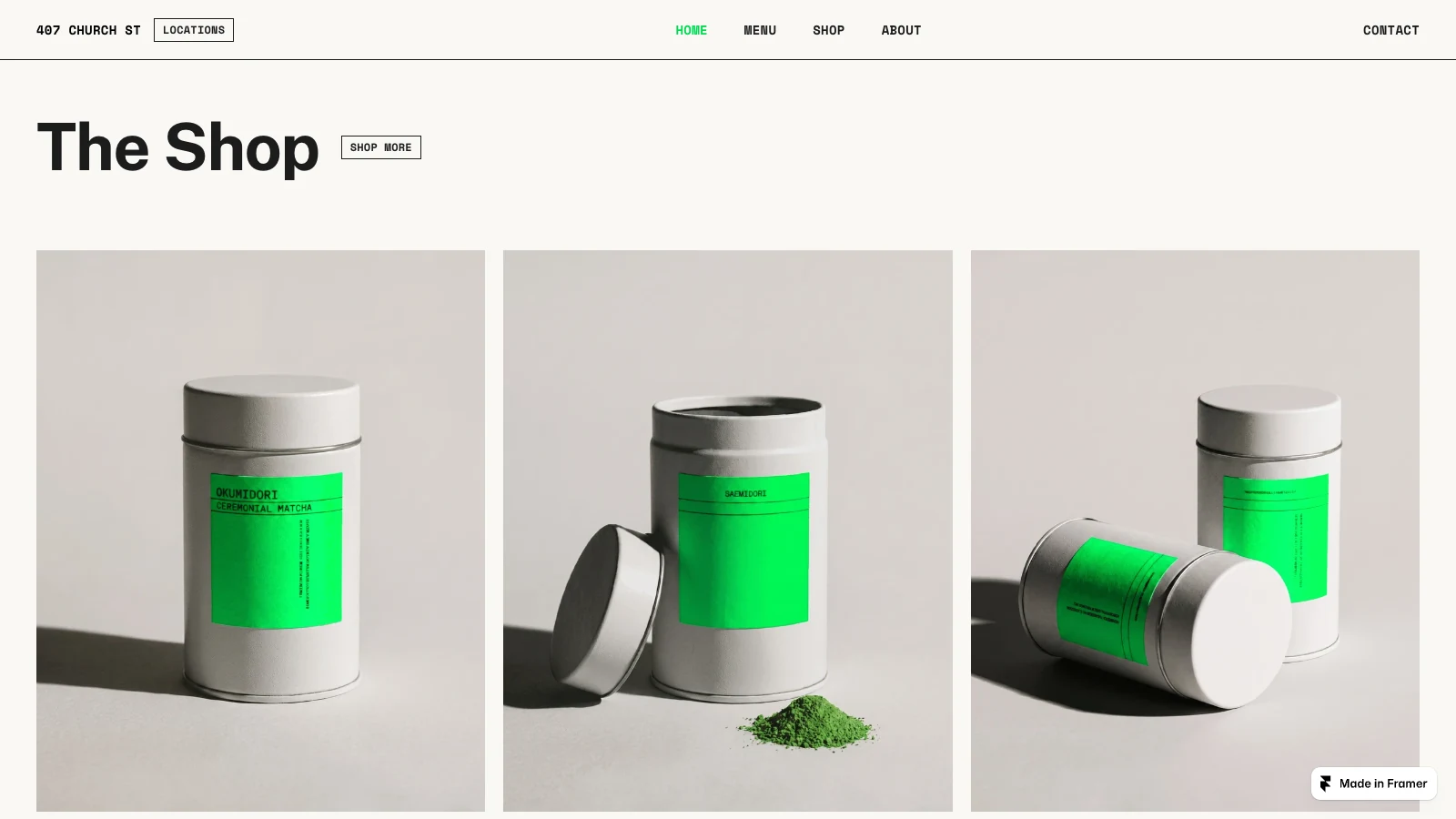
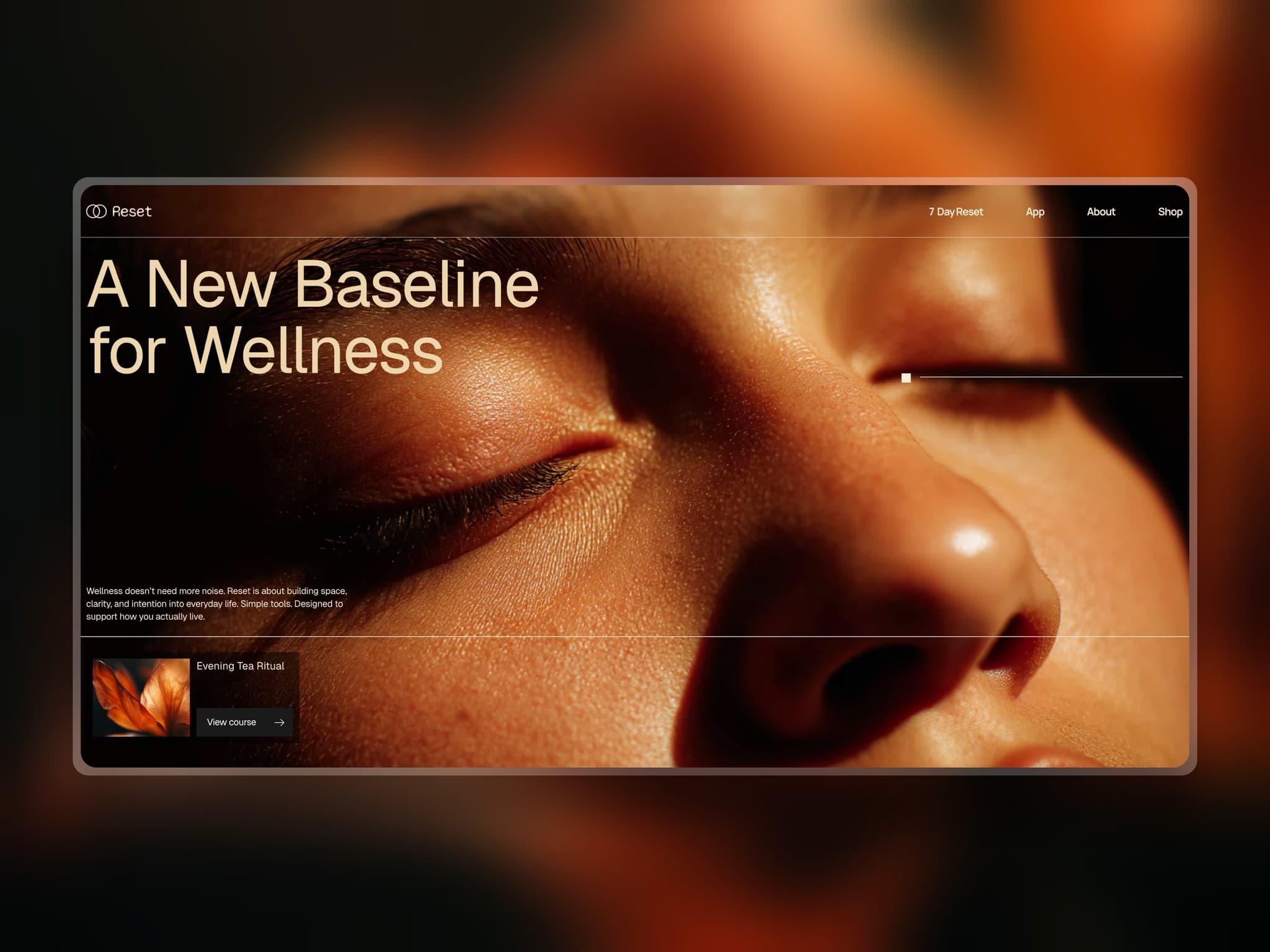
Choose a website template for your industry. Make it yours with AI prompts in tools like ChatGPT, Claude, Cursor, Replit, v0, or Lovable.
Or edit visually in Framer.No coding experience needed to start.
Website templates
Website templates
for your industry.
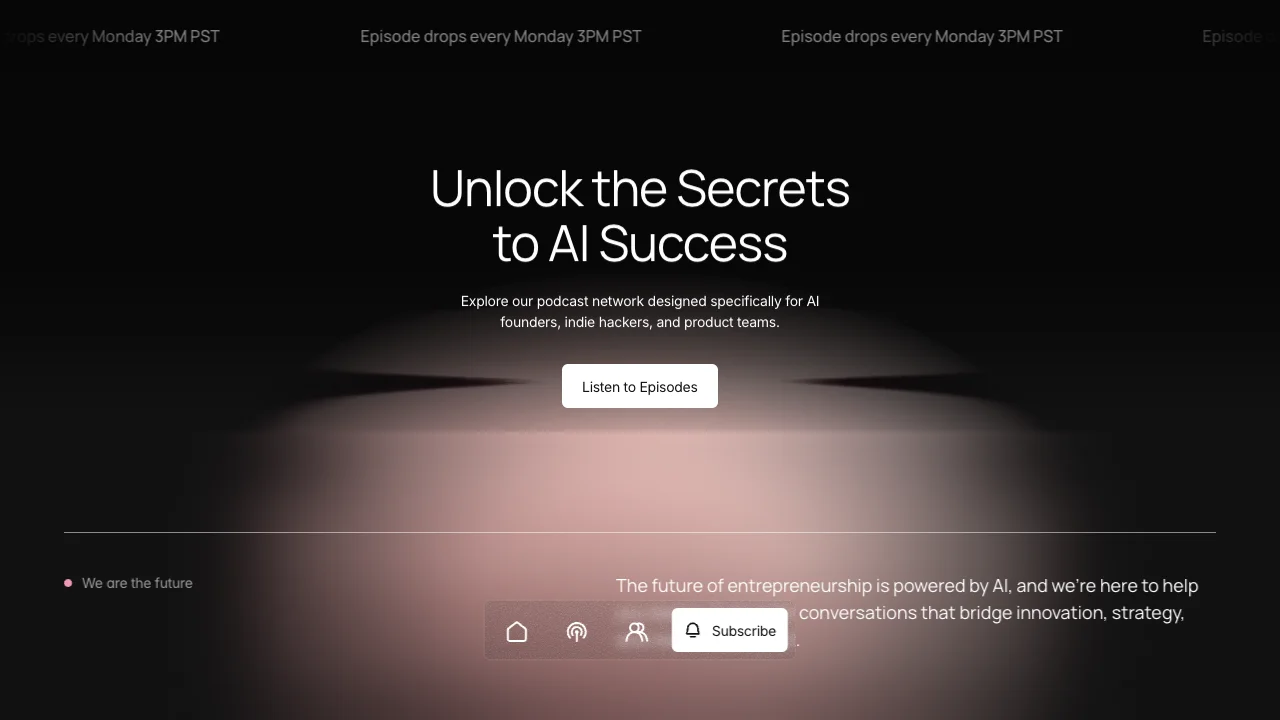
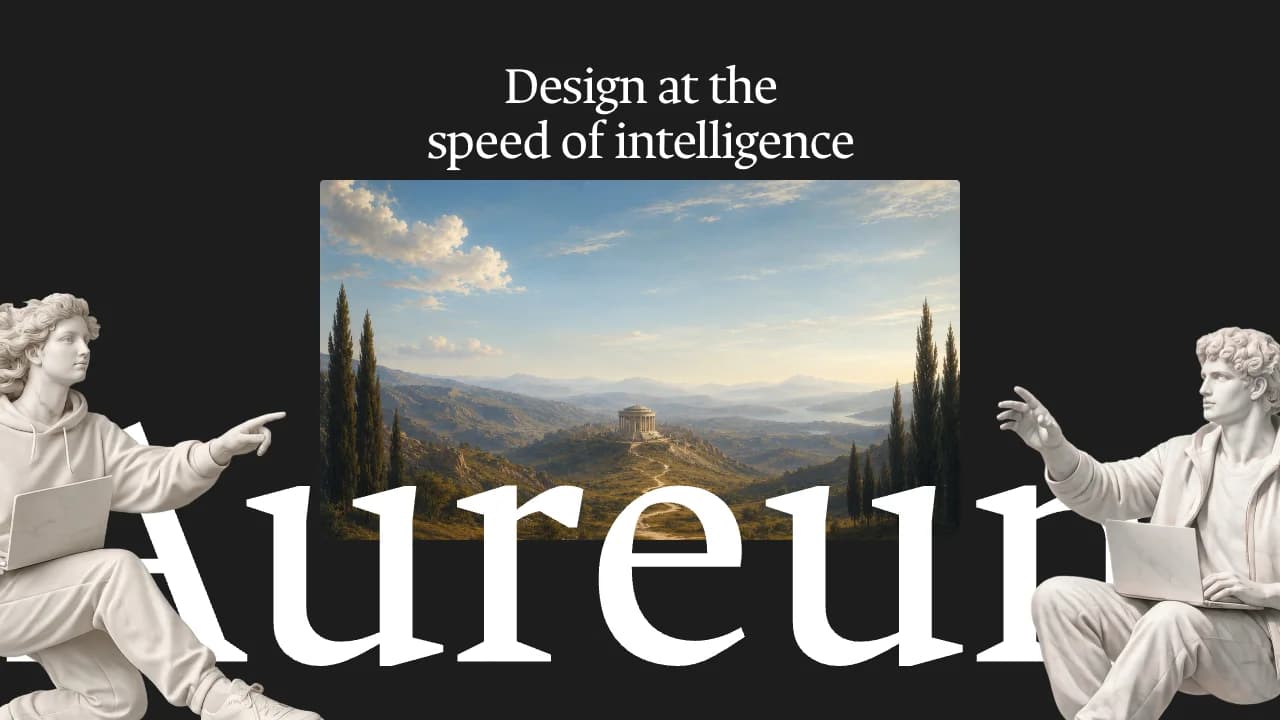
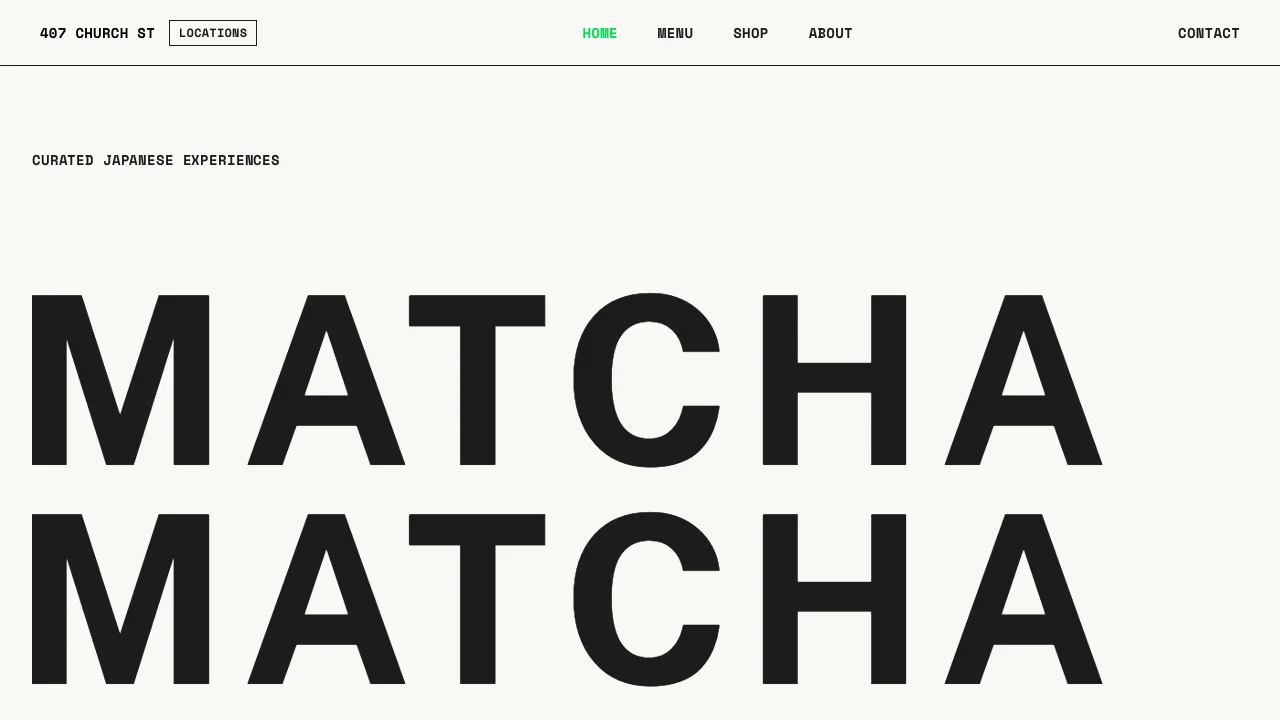
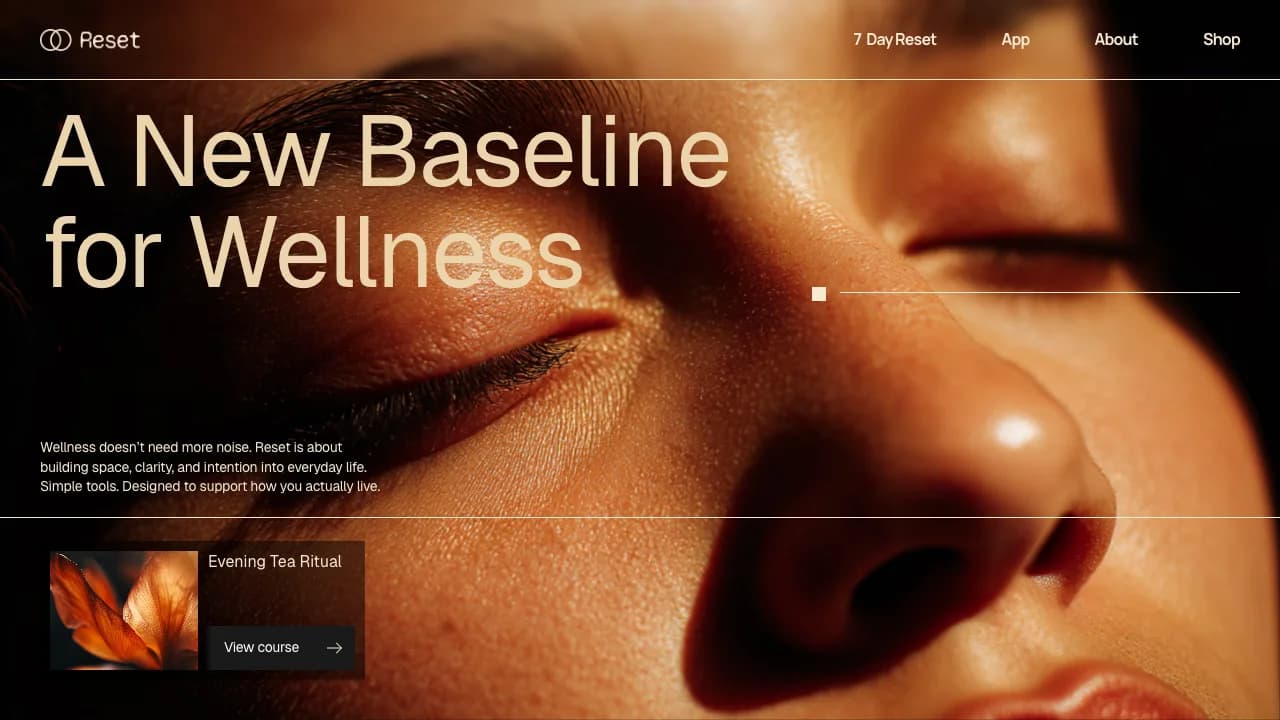
Theme library
Website themes
for a consistent design.
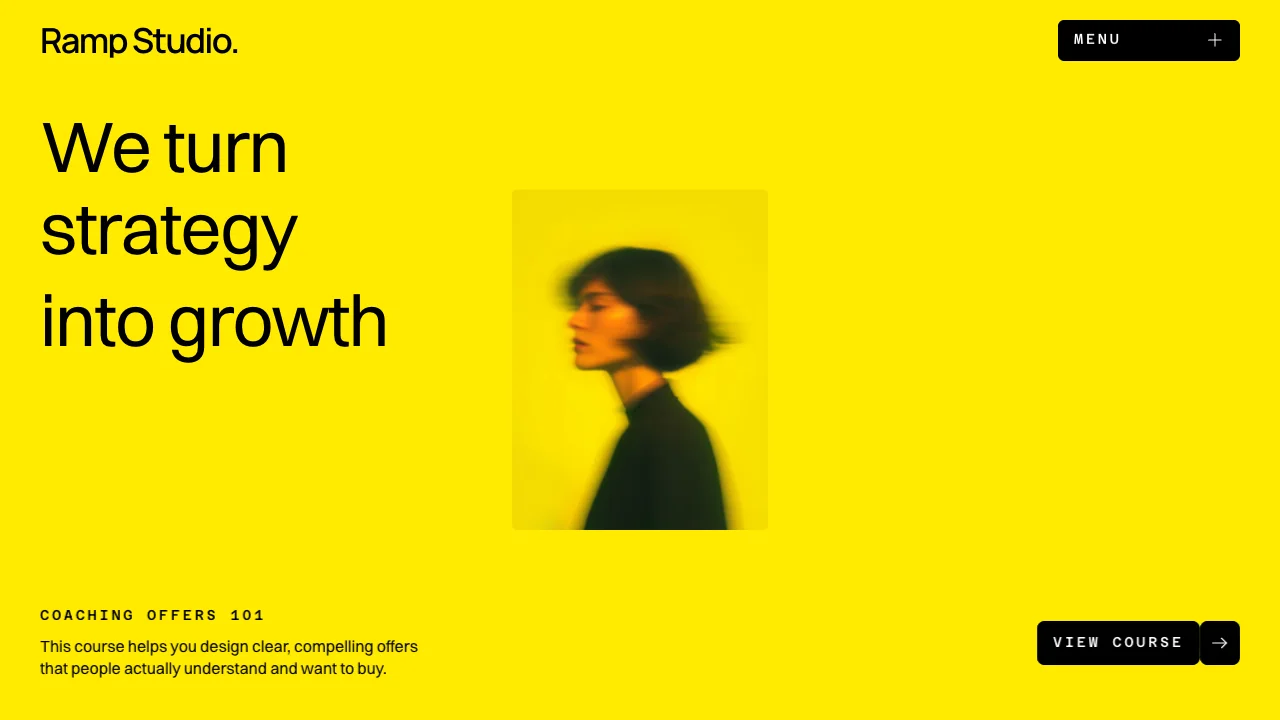
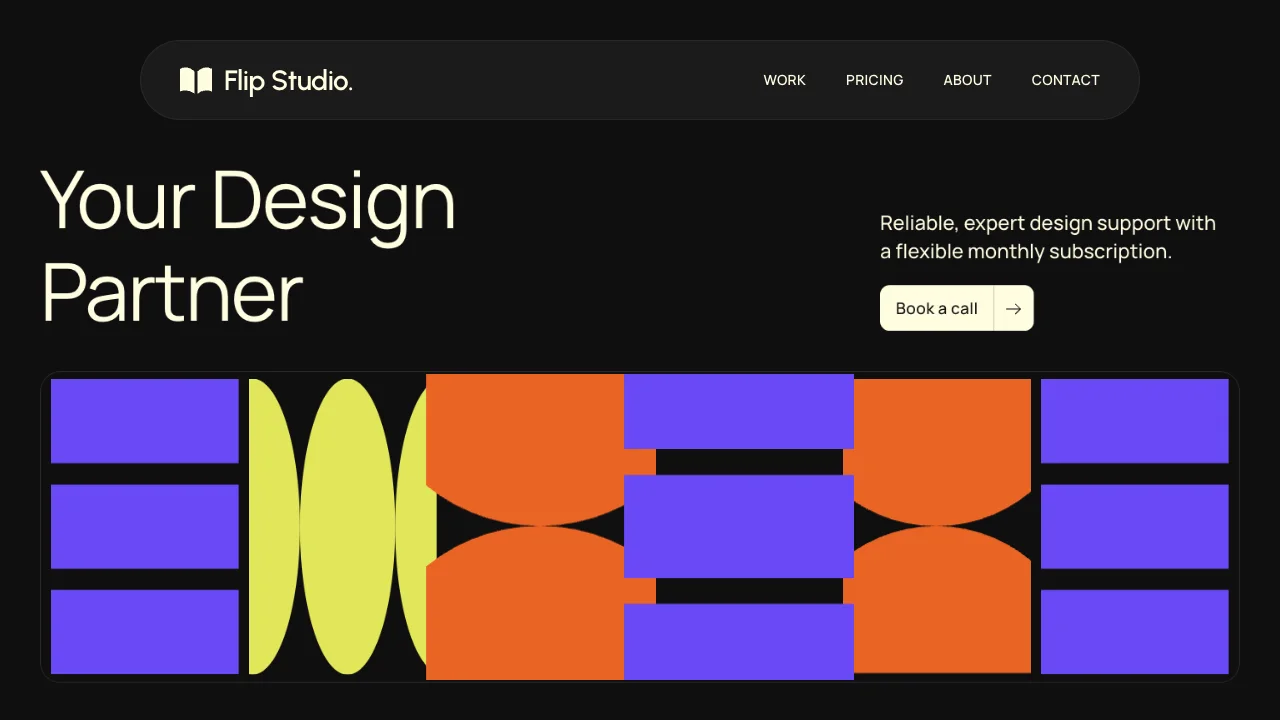
Create your own website with a designer-made theme. Each comes with a colour palette, typography, and clear design guidelines to help your AI tool bring your ideas to life.
Browse all themes
Ramp Studio Theme
Explore this theme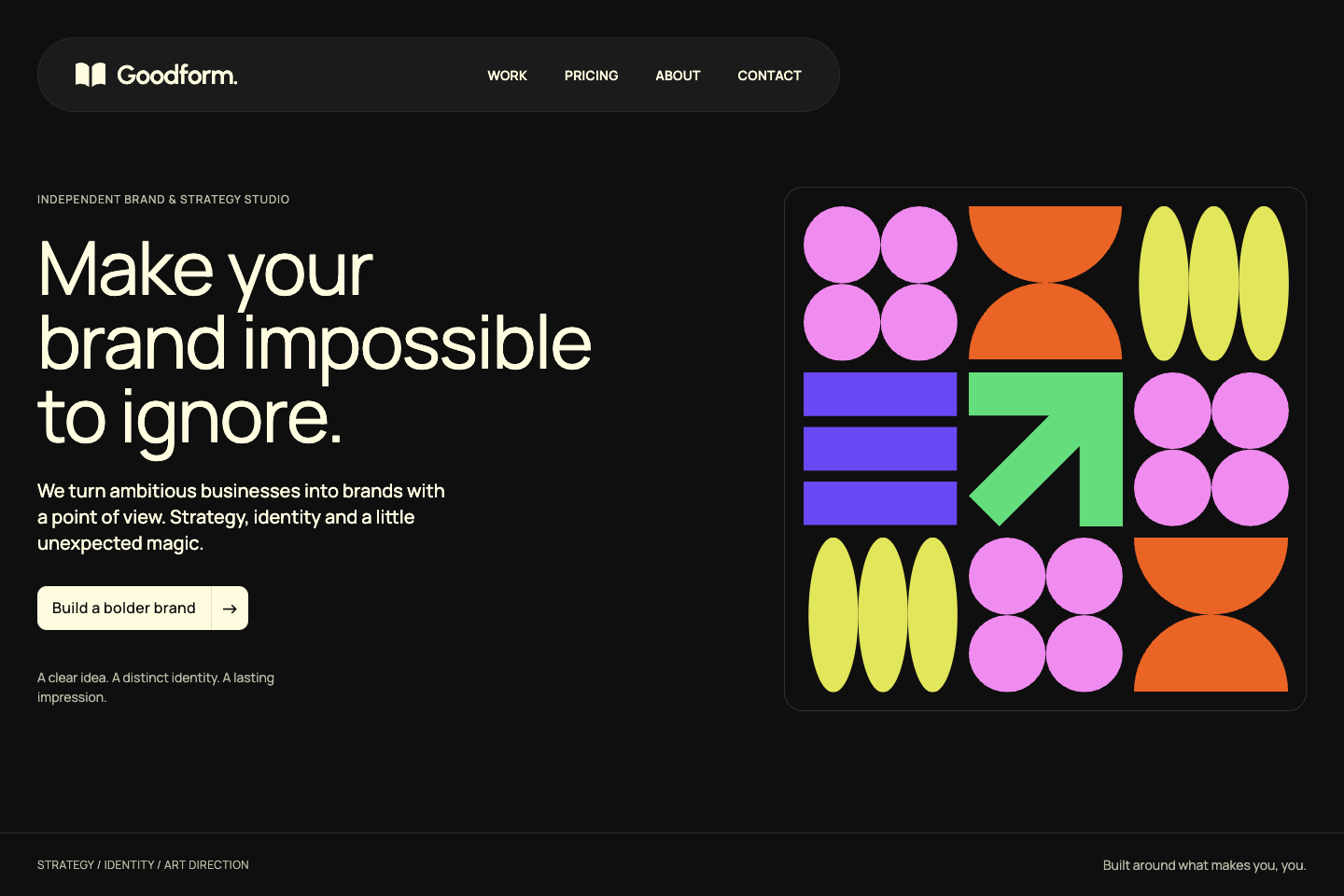
Flip Studio Theme
Explore this theme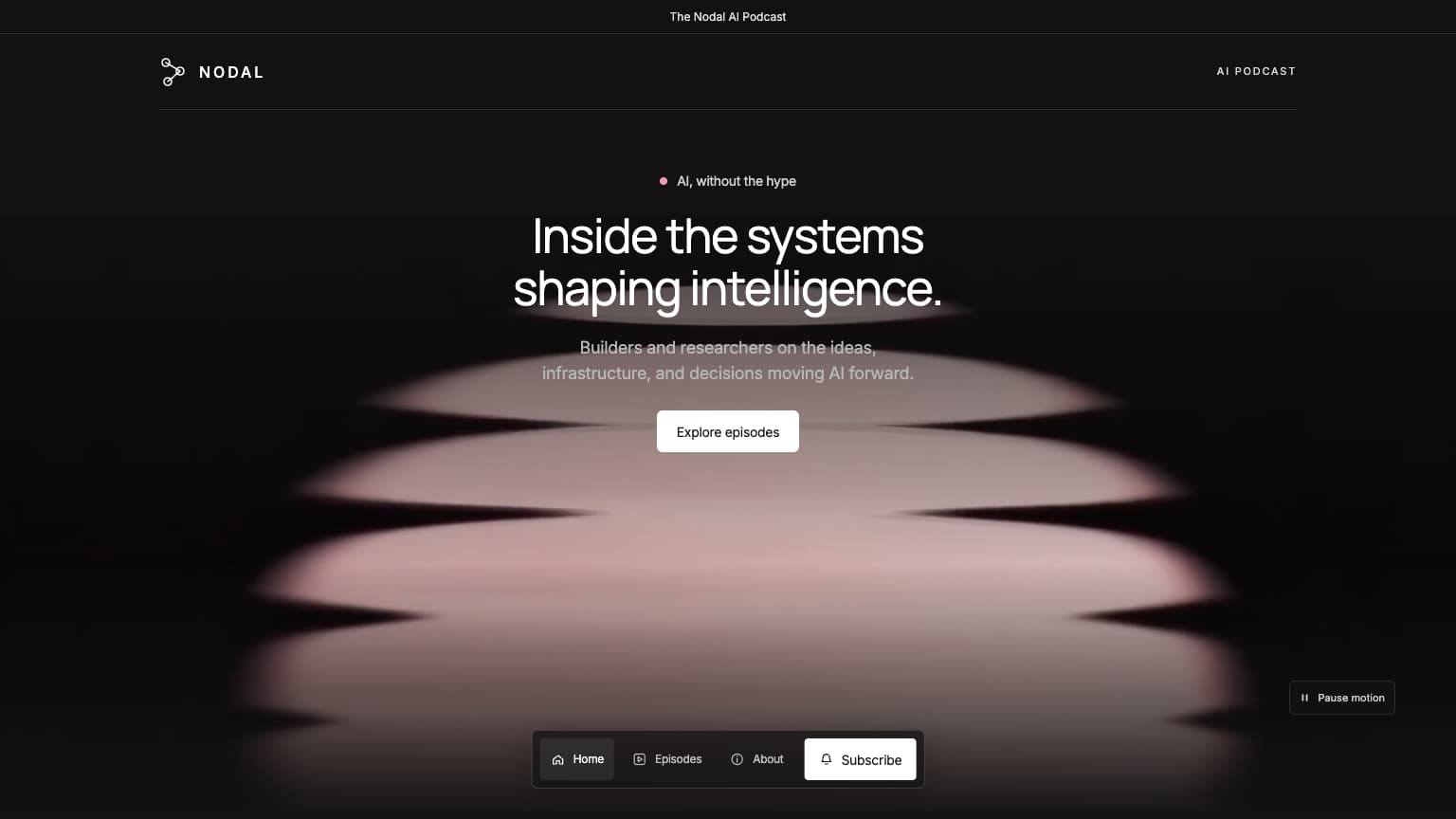
Starwave Podcast Theme
Explore this themeWhy us
Designer taste.
AI affordability.
Premium design, backed by experience
Thoughtfully chosen typography, colour and layout give your website a distinctive look, shaped by 13+ years of design experience.
Designed around conversion
Clear layouts and focused messaging help visitors understand your offer, trust your business and take the next step.
Good taste at an affordable price
Build a polished website that reflects your brand, fits your business needs and stays within your budget.
Your choice of tools
Choose your favourite AI tool or a visual tool like Framer. No platform or tool restrictions.
Guides
Not sure where to start?
Our free guides help you make your template or theme your own. No coding experience needed.
- 01 / 04
Choose your starting point
Explore templates tailored to your industry, or choose a theme to build on your own with design direction.
- 02 / 04
Choose your tool
Choose an AI tool (ChatGPT, Claude, Cursor, Replit, v0, Lovable, Base44, and more). Or open it up in Framer using the remix link you’ll receive with your purchase.
- 03 / 04
Iterate and refine your website
Refine the fonts, content, and imagery to match your brand and business.
Follow our step-by-step guides - 04 / 04
Take it live in hours
Your website can be ready in as little as a few hours. Connect your domain and publish to give your business a fresh face online.
The Veronica G journal
Learn enough to stay in control.
Short, practical guides for choosing a direction, prompting clearly, and knowing when a website feels finished.
AI prompts for website design: 5 examples to adapt
Use five AI website prompts to build a first page, update content, improve mobile spacing, add a page, and check a form.
Read the guide →How to choose a website template for your business
Choose a website template that fits your content, customers, and way of building.
Read the guide →How to use a website template: a beginner’s guide
Learn how to use a website template with AI or Framer, replace the sample content, and check your first page before publishing.
Read the guide →FAQ
Questions about templates,
AI, and Framer.
What do I receive with a website template?
Each template includes AI build prompts, a matching theme, a Framer Remix link, and code files.
How do I use a template with AI or Framer?
For vibe coding (using plain language in your favourite LLM tool), upload the included prompts and files, then ask it to adapt the website to your business. Review the result, make changes, and test it before publishing.
For visual editing, open the Framer Remix link and customise the template in Framer. Our How it works page and template guide explain the steps.
Do I need to know how to code?
No. You don’t need coding experience. Use plain-language prompts with an AI tool, or edit visually in Framer.
What is vibe coding?
Vibe coding means describing what you want in plain language and using AI to write and refine the code for you. Read the guide
What is the difference between a template and a theme?
A template provides a ready-made website design and the resources to customise or recreate it. A theme provides the visual rules, including colours, typography, and prompts, for creating a website or adding matching pages. Every template includes its matching theme; you can also buy a theme separately.
Which AI tools can I use?
The prompts are intended for website-building workflows with tools such as ChatGPT, Codex (OpenAI’s coding tool), Claude Code, v0, Lovable, Cursor, Replit, and Base44. Each tool accepts files and interprets prompts differently, so experiment, test your results, and refine as you go.
Prefer a visual editor instead? Use the Framer Remix link included in your ZIP file to edit the template in Framer.
Is this a subscription, and can I use a template for clients?
Paid templates and themes are one-time purchases—not subscriptions. A Personal License covers one noncommercial website. Business promotion, monetization, and paid client work require a Commercial License, which includes unlimited websites using the purchased template. Template + 1:1 Build Session includes Commercial and a private 60-minute session. See each product’s price and inclusions, and our Terms & Conditions for the license details.
Who creates these templates?
I’m Veronica G, a UX designer with more than 13 years of design experience. I create website templates, themes, and practical guides to help you build with AI or Framer. Meet the designer or get in touch.